Screen replacement
OEM, OLED or compatible display? The real difference, and which to pick
4 min read
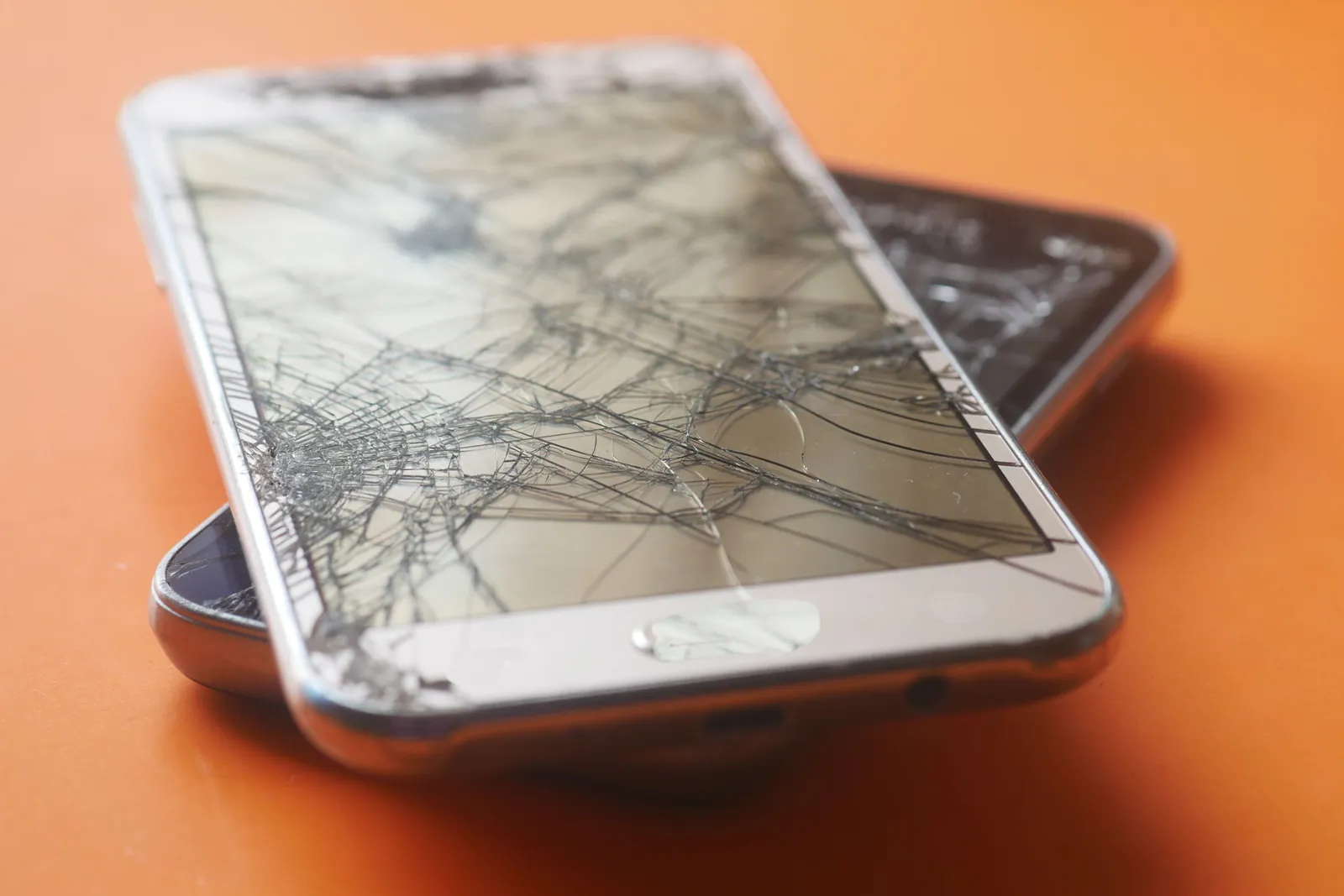
When a screen needs replacing, you're usually offered a choice: OEM, OLED or compatible. The prices can differ by several times, and the words are used loosely, so it's easy to pick one without knowing exactly what you're buying. Here's what each one actually means.
First, three words that mean different things
The three labels don't describe the same thing, which is why they confuse people:
- OEM is about who made the screen and to what standard: a panel built to the phone brand's own specification.
- OLED is a display technology, where each pixel makes its own light. Many phones, including most flagships, have OLED screens from the factory.
- Compatible means a third-party screen built to fit your model, without matching the original's quality.
So on a modern flagship, the original screen is both OEM and OLED. In the repair market, though, "OLED" usually means an aftermarket OLED panel: one made by someone other than the original maker, and priced between the other two.
OEM display
OEM stands for original equipment manufacturer. An OEM screen is built to the phone maker's specification, so its brightness, colour and touch feel are as close to the original as a replacement gets. It is the most expensive option and normally comes with the longest warranty.
The term is used loosely, though. Some sellers call a screen OEM simply because it fits well, not because it comes from the original maker. It's fair to ask exactly what they mean.
OLED display
An aftermarket OLED screen uses the same basic technology as the original, so you get the deep blacks and vivid colours you expect from a modern phone. It's usually a good middle choice when you want a screen that looks right without paying for the original.
Quality varies between makers. Compared with an original, these panels can differ in:
- Peak brightness, which matters in strong sunlight.
- Colour accuracy, and how even the screen looks at low brightness.
- Battery use, as some panels draw more power.
- Construction: cheaper "hard" OLED panels use a rigid base and are generally more brittle than "soft" OLED panels, which are closer to how the original is built.
Compatible display
A compatible screen is the budget choice: a third-party panel made to fit your model at the lowest cost. On phones that originally had an OLED screen, many compatible screens use LCD-based technology instead. That usually means the picture looks a little different, with greyer blacks, less brightness or sharpness, and sometimes higher battery use.
It can make sense when the phone is older, the budget is tight, or you plan to replace the phone soon. On a phone you use heavily and plan to keep, the difference is easier to notice every day.
Side by side
| OEM | OLED (aftermarket) | Compatible | |
|---|---|---|---|
| Made by | The original maker, to the phone brand's spec | A third-party maker | A third-party maker |
| Technology | Matches the original screen | OLED | Often LCD-based on phones that came with OLED |
| Picture quality | Closest to the original | Very good, can vary | Noticeably different |
| Price | Highest | In the middle | Lowest |
| Warranty | Usually the longest | Usually in the middle | Usually the shortest |
| Best for | Phones you rely on and plan to keep | A good look at a fair price | Older phones and tight budgets |
Things that can differ on any replacement
Whichever type you choose, a few things depend on the exact panel and may not behave the same as the original:
- Features such as auto-brightness, True Tone or a high refresh rate.
- Fingerprint reading on phones with a sensor under the screen.
- A message in the phone's settings saying the screen isn't an original part, which appears on some models.
Ask which of these apply to your phone before you decide.
How to choose
- A daily phone you'll keep for years: OEM, if you want it to look and feel the way it did.
- A good screen without the original's price: OLED.
- An older phone, a spare phone or a tight budget: compatible.
If you're unsure, ask how long each option is covered and what the warranty includes. It's often the clearest sign of how much a repairer trusts the part.
Questions worth asking before you choose
- Which type is this exactly, and who makes the panel?
- How does it differ from the original in brightness and battery life?
- Will features like auto-brightness or the fingerprint sensor still work?
- How long is the warranty on this option, and what does it cover?
Choosing at Fixkaru
When you book a screen repair, you'll see the options available for your exact phone, each with its own price and warranty, so you can compare them before you decide.
The bottom line
OEM, OLED and compatible aren't simply good, better and best. They're three different trades between price, picture quality and peace of mind. Pick the one that fits how you use the phone, and ask your repairer to tell you in plain words what you're getting.